If your SIM card is locked, you will need a special 8-digit number called a PUK (Personal Unblocking Key) to unlock it. You can get your PUK code by calling your telecom operator’s customer care from a friend or family member’s phone. You can also find it printed on your original SIM card packaging or by using your operator’s official app (like MyJio or Airtel Thanks). Never try to guess the PUK code.
Key Takeaways
- A PUK code is a unique 8-digit security number that protects your SIM card from being misused by strangers.
- Your SIM card automatically locks if someone types the wrong 4-digit SIM PIN three times in a row.
- You must contact your telecom operator (Jio, Airtel, Vi, or BSNL) to get your specific PUK.
CRITICAL WARNING
- If you enter the wrong PUK code 10 times, your SIM card will permanently block itself. You will then have to go to a physical store to buy a replacement SIM card.
- After getting a new replacement SIM, you will not be able to receive OTPs or SMS for 24 hours due to government security rules.
1. The Panic of a Locked SIM in Digital India
Imagine you are standing at a chai shop, ready to scan a QR code to make a UPI payment. You take out your phone, but instead of your home screen, you see a scary message: “SIM card is locked. Enter PUK code.”
- In today’s India, your mobile number is your digital identity. Without your SIM card, you are completely disconnected. You cannot make regular phone calls, you cannot use your mobile data, and most importantly, you cannot receive One-Time Passwords (OTPs). Without OTPs, you cannot log into your bank app, use UPI apps like PhonePe or Google Pay, or even access important government services that are linked to your phone number.
- Seeing your SIM card locked can cause a lot of stress. But do not worry. Unlocking your SIM card is actually a very simple and completely free process. As long as you know the right steps to take, you can get your phone working again in less than ten minutes.
Emergency Quick-Reference: Telecom Helplines
If you need your PUK code immediately, borrow a phone and use these numbers. Read the detailed operator steps in Section 5 below.
| Operator | Helpline (Own Network) | Helpline (Other Networks) | Digital / Alternate Route |
| Reliance Jio | 199 | 1800-889-9999 | jio.com profile settings |
| Airtel | 121 / 198 | State Helpline | SMS PUK <Mobile No> to 121 |
| Vi | 199 / 198 | State Helpline | USSD *199# or WhatsApp |
| BSNL | 1503 | 1800-180-1503 | Authorized Customer Center |
2. What Exactly is a PUK Code?
PUK stands for Personal Unblocking Key.
- Consider it an all-access passkey for your phone’s SIM. It is a highly secure, 8-digit number that is hardcoded into the microchip of your SIM card at the factory. Every single SIM card in the world has its own unique PUK code.
- Your PUK code is not linked to your mobile number; it is linked to the physical plastic SIM card itself. Because of this, you cannot find your PUK code by searching your phone’s settings, and you cannot guess it. Only your telecom operator (the company that gave you the SIM, like Airtel or Jio) has a record of this unique 8-digit master key in their secure computer systems.
SIM PIN vs. PUK Code: What is the Difference?
To understand how to fix the problem, it helps to understand the difference between a SIM PIN and a PUK code.
The SIM PIN (Personal Identification Number): This is a simple 4-digit password that you can set yourself in your phone’s security settings. It is designed to stop a thief from taking your SIM card out of your phone, putting it into a different phone, and making calls from your number. The vast majority of mobile users leave their SIM cards unprotected, but the standard factory defaults in India are almost always 0000 or 1234.
The PUK Code: This is the 8-digit master key. If someone types the 4-digit SIM PIN incorrectly three times, the SIM card thinks it is under attack. To protect your data, it locks itself down completely. Once this lockdown happens, the 4-digit PIN becomes useless. The only way to remove the lockdown is to enter the 8-digit PUK code.
3. Common Reasons Why Your SIM Gets Locked
You are probably curious how your device ended up locked if you never even created a security code.
Here are the most common reasons this happens:
- Children Playing with the Phone: This is the number one reason. If you give your phone to a child to watch videos, they might press buttons randomly on the lock screen. If they accidentally trigger the SIM lock menu and press the wrong numbers three times, the SIM will lock.
- Accidental Pocket Dials: Sometimes, if your phone is in your pocket or bag without the screen locked properly, the screen can rub against your leg. This can accidentally open the security settings and trigger failed attempts.
- Buying a Second-Hand Phone: If you buy a used phone and the previous owner left their SIM security settings turned on, putting your new SIM in might trigger a lock if the settings clash.
- Forgetting Your Own PIN: Some security-conscious users set a SIM PIN to protect their number. Users frequently forget their selected passcode because the device only requests it during a restart. After three wrong guesses, they lock themselves out.
4. How to Find Your SIM PIN First (Before the Lock)
If your phone is currently asking for a SIM PIN, and it has not yet asked for a PUK code, you have a chance to fix it easily.
Unless you manually changed it in your smartphone’s settings, most telecom operators use standard default passwords.
Try typing: 0000
Try typing: 1234
Important Warning: If you try these two numbers and they both fail, stop immediately. You only get three chances in total. A third wrong guess will trigger the permanent PUK lock. If the first two tries fail, it is better to accept the lock and get your PUK code using the methods below.
5. How to Get Your PUK Code in India (By Operator)
Because your locked SIM card has no network signal, you cannot use your own phone to call customer care. You must use an alternate mobile number. Borrow a phone from a family member, a friend, or a neighbor.
Before you make the call, gather your documents. The customer care agent will need to confirm that you are the real owner of the SIM card before they give you the master key. Keep your locked mobile number, your ID proof (like an Aadhaar card, Voter ID, or Driving License), and your date of birth ready.
Here is the exact process for every major operator in India.
Method 1: How to Get the PUK Code for Reliance Jio
Jio has built a very strong digital system. This makes it easy to find your PUK online without even talking to a person, as long as you have an internet connection.
Option A: Using the Jio Website (Fastest)
- Open a web browser on a laptop or a friend’s phone.
- Go to the official Jio website (jio.com).
- Log in to your account. You can log in using your registered email ID or an alternate Jio number if you linked them previously.
- After signing in, select your account avatar located near the top of the screen.
- Go to the ‘Settings’ or ‘Security’ tab.
- Look for an option that says ‘PUK Code’ or ‘Lost SIM’. Your 8-digit code will be displayed on the screen.
Option B: Calling Jio Customer Care
- Borrow any other active Jio mobile number.
- Dial 199 and follow the voice menu to speak to an agent.
- If you are calling from an Airtel, Vi, or BSNL number, dial the toll-free number: 1800-889-9999.
- Tell the agent your Jio SIM is locked. You will need to provide your birthdate, current address, and name so they can authenticate your account.
- Once verified, write down the 8-digit code they give you.
Method 2: How to Get the PUK Code for Airtel
Airtel provides several quick ways to retrieve your unblocking key, especially if you use their official smartphone app.
Option A: Via the Airtel Thanks App
- If you have the Airtel Thanks app installed on another device (like a tablet or a secondary phone) and it is already logged in, open it.
- Touch your display picture situated at the top-left of the interface.
- Go to the “Help & Support” or “Settings” section.
- Look for the SIM security options to view your PUK code.
Option B: Calling Airtel Customer Care
- Borrow another working Airtel mobile phone.
- Dial 121 or 198.
- If you are calling from a non-Airtel number, dial 9810012345 (or search online for your specific state’s Airtel customer care number).
- Navigate the automated voice menu to talk to an executive. Submit your identification information to receive your access code.
Method 3: How to Get the PUK Code for Vi (Vodafone Idea)
Vi (formerly Vodafone and Idea) offers both phone support and USSD code support to help you out.
Option A: Calling Vi Customer Care
- Dial 199 or 198 from another Vi number.
- If calling from another network, you will need to dial your state’s specific Vi toll-free helpline (you can find this on the Vi website).
- The customer service representative will pose a couple of questions to verify your identity. They might ask for your last recharge amount, your date of birth, or your home address. After you answer correctly, they will dictate the 8-digit PUK.
Option B: Via USSD (From another Vi phone)
- Borrow a friend’s Vi phone.
- Launch your phone’s calling app, enter *199#, and hit the send button.
- A black menu will pop up on the screen. Reply with the number for “Account Management” or “Other Services.”
- Locate the menu item labeled “PUK code request.”
- Enter your locked 10-digit mobile number when asked, and the system will show the PUK on the screen.
Method 4: How to Get the PUK Code for BSNL / MTNL
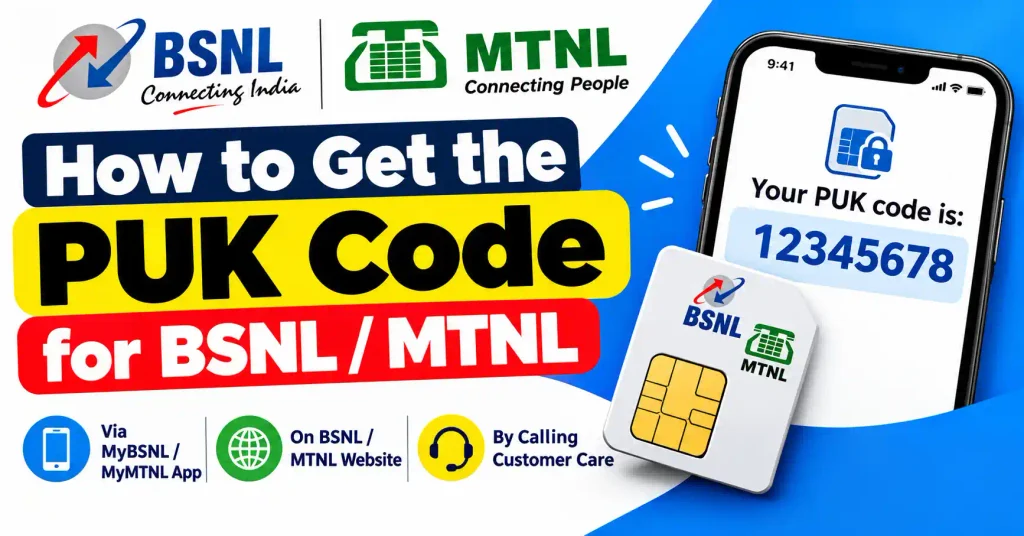
- BSNL (and MTNL in Delhi/Mumbai) users mostly rely on calling customer care or visiting a physical office.
- Calling BSNL Customer Care
- Call 1503 from any working BSNL number.
- If you are calling from a Jio, Airtel, or Vi network, dial 1800-180-1503.
- After speaking with the customer service representative and proving your identity, they will provide your 8-digit PUK code.
There is one method that works for every single telecom operator in the world, without needing to make a phone call.
- When you first bought your SIM card, the small nano-SIM was snapped into a larger, credit-card-sized piece of plastic. Most people throw this plastic away, but if you kept it in a drawer or a file folder, you are in luck.
- Look at the back of this original plastic card. Underneath a scratch-off panel, or printed directly on the plastic, you will see the 4-digit Default PIN and the 8-digit PUK Code. If you have this plastic card, you can unlock your phone instantly.
6. How Do You Unlock Your SIM Card? (Step-by-Step Guide)
Once you have successfully written down your 8-digit PUK from customer care or the plastic jacket, follow these exact steps. Do not rush this part.
For Android Phones:
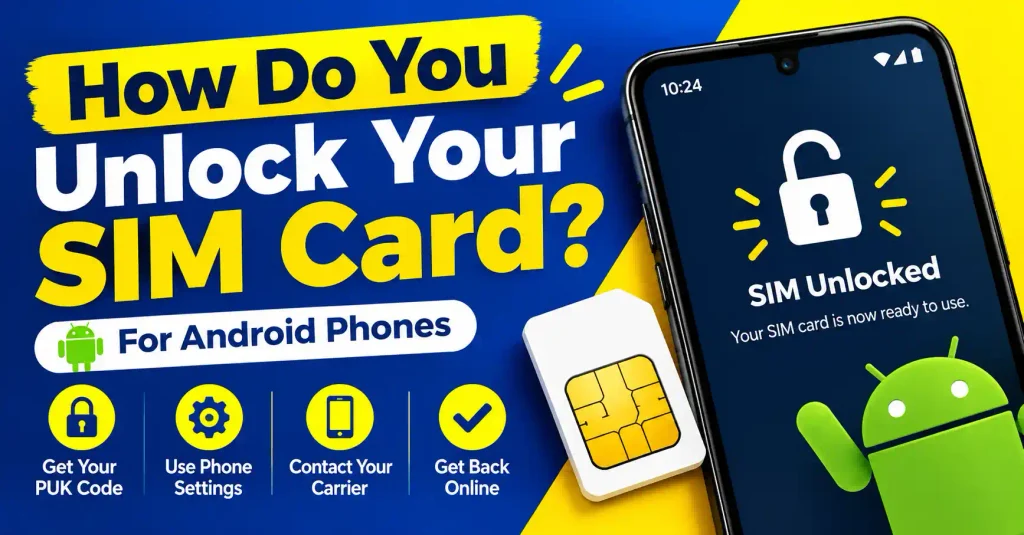
- Turn on your smartphone with the locked SIM inserted.
- The screen will display a message like: “SIM is PUK-locked. Please enter PUK.”
- Using the number pad on the screen, carefully type the 8 digits exactly as provided.
- Press the OK, Enter, or the Checkmark button.
- Next, your phone will ask you to create a New SIM PIN.
- Type a simple 4-digit number that you will remember (e.g., 1234 or 0000). Press OK.
- The system will request that you re-enter your new SIM PIN for confirmation. Type the same 4-digit number one more time and press OK.
- Your device will unlock, the network bars will appear at the top of your screen, and your phone is ready to use.
For Apple iPhones:
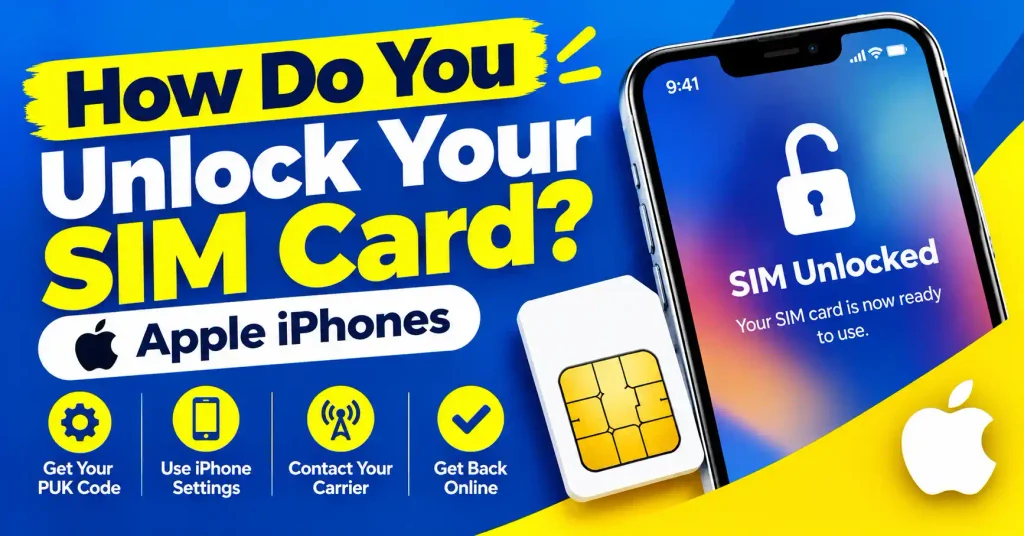
- Wake up your iPhone screen.The screen will display a “Locked SIM” alert; simply touch the input box to provide your 8-digit PUK.Tap OK.A screen will appear requesting that you establish a new PIN. Enter a 4-digit number like 1234.
- Re-enter the same 4-digit number to confirm.
- If entered correctly, the lock screen will disappear, and your carrier name (e.g., Airtel, Jio) will appear in the top corner.
7. The 10-Attempt Danger Zone: Do NOT Guess Your PUK
- This is the most critical rule of SIM card security, and you must read this carefully.
- Unlike a smartphone screen lock that makes you wait 30 seconds if you guess wrong, a SIM card has a strict self-destruct limit.
- You are limited to a maximum of 10 tries to input the right PUK code.
- If you type an incorrect 8-digit number 10 times in a row, the SIM card’s internal microchip will permanently block itself to prevent hacking. In technical terms, the SIM card is “fried.” This state is called “PUK Blocked” or “SIM Rejected.”
- Once a SIM card reaches this state, there is no software trick, no secret code, and no customer care agent that can fix it. The plastic SIM card becomes completely useless.
8. What to Do If Your SIM is Permanently Blocked (Getting a Duplicate SIM)
- If you made a mistake and guessed the PUK 10 times, your current SIM card is dead. However, your mobile number is not lost. You simply need a new physical piece of plastic to attach your number to.
- Here is exactly how to get a duplicate SIM card:
- Visit a Physical Store: You cannot do this online. You must walk into an official Jio Store, Airtel Gallery, Vi Mini Store, or BSNL office. (Instead of visiting a local street vendor, make sure to go to an authorized service center.)
- Bring Your ID: Carry the original ID proof that you used to buy the SIM card originally (like your physical Aadhaar card or Voter ID).
- The Biometric Check: The store agent will ask for your thumbprint on a biometric machine to verify you are the true owner.
- Pay the Fee: There is usually a small replacement fee for the blank plastic SIM card. It generally costs between ₹25 to ₹50 depending on the operator.
- Collect the New SIM: The customer service agent will provide you with a brand-new card. Insert it into your phone. It usually activates within 2 to 4 hours.
- The 24-Hour SMS Block Rule (Very Important)
- When you get a duplicate SIM card, you can make phone calls and use the internet within a few hours. However, the government of India (TRAI) has a strict security rule: All incoming and outgoing SMS will be blocked for 24 hours on a new duplicate SIM.
This is done to prevent criminals from doing SIM-swap frauds to steal bank OTPs. So, if you had to get a duplicate SIM, remember that you will not be able to log into Google Pay, PhonePe, or your bank app for a full 24 hours after the new SIM is activated.
9. How to Disable the SIM PIN Lock Completely
If you never want to deal with a locked SIM card or a PUK code again, you can turn off the SIM PIN feature entirely once your phone is working.
How to disable on Android:
- Open your phone’s Settings.
- Tap on Security & Privacy (or ‘Passwords & Security’ depending on your phone brand).
- Scroll down and look for Other Security Settings or More Security Settings.
- Tap on Set up SIM card lock.
- You will see a switch that says “Lock SIM card.” Turn this switch OFF.
- The phone will ask you to enter your current 4-digit PIN one last time to confirm. Enter it, and the lock is gone forever.
How to disable on iPhone:
- Open the Settings app.
- Scroll down and tap on Mobile Data (or Cellular).
- Tap on SIM PIN.
- Turn off the green toggle switch next to SIM PIN.
- Enter your current 4-digit PIN to confirm.
10. Frequently Asked Questions (FAQs)
- Can I unlock my SIM without a PUK code by resetting my phone? No. Factory resetting your phone, restarting it, or updating the software will not help. The lock is inside the physical microchip of the SIM card, not in the phone’s software. The only way past it is the exact 8-digit PUK code.
- Is the PUK code printed on the small nano-SIM itself? No, the code is 8 digits long and the nano-SIM is too small to print it clearly. You will only find it on the larger plastic credit-card-sized holder that the SIM originally came attached to when you bought it.
- What happens to my contacts if I have to replace a blocked SIM? If you save your phone contacts to your Google Account (Gmail) or Apple iCloud, you will not lose anything. All your contacts and photos will be safe. However, if you are using an older phone and saving contacts directly to the SIM card memory, those specific contacts will be lost when the old SIM is destroyed.
- Can I use a PUK generator website to find my code? No. Do not trust websites or apps that claim to “generate” or “hack” PUK codes. These are fake and are often trying to put viruses on your phone or steal your personal information. PUK codes are securely stored in your specific telecom operator’s private database.
- Is a PUK code the same as a Network Unlock Code? No, they are different things. A PUK code unlocks a specific SIM card. A network unlock code unlocks a smartphone so it can accept SIM cards from different telecom companies (this is common if you buy a phone from the USA or UK that is locked to one carrier).