Finding a good display on a tight budget used to be difficult. In the past, buying a cheap monitor meant getting poor colors and thick, ugly borders.
Thankfully, the Indian monitor market has improved a lot. Today, finding the top monitors under ₹10,000 in India is very easy. You can get Full HD resolution, excellent IPS panels for great colors, and high refresh rates up to 200Hz. Best of all, you can get these amazing features without spending too much money.
Whether you are a student taking online classes, an IT professional working from home, or a gamer looking for smooth gameplay, we have you covered. This guide will help you find the best LED and gaming monitors under ₹10,000 available in India right now.
Top Picks at a Glance
If you are in a hurry and do not want to read the whole guide, here are our top choices. These picks are based on current 2026 pricing in India:
Best Overall for Work and Media: BenQ GW2490 (24-inch, IPS, 100Hz, Eye-care)
Best Premium All-Rounder: Dell SE2425HG (24-inch, Fast IPS, 200Hz, Dual HDMI 2.1)
Best for Hardcore Gaming: MSI MAG 255F E20 / LG Ultragear 24G411A-B (24-inch, IPS, up to 200Hz)
Best Budget 144Hz Gaming: Acer EK240Y P6 (24-inch, IPS, 144Hz)
Best Minimalist Display: Samsung Essential S3 (24-inch, IPS, 100Hz)
Best 27-inch Display: Lenovo L27I-40 / AOC 27G4E (27-inch, IPS, up to 180Hz)
Key Takeaways Before You Buy
Before you spend your hard-earned money, here are the most important things you need to know:
- Expect Full HD (1080p): At the ₹10,000 price point, 1080p is the golden standard. You should avoid unknown brands that promise “2K” or “4K” resolution for this price. These cheap monitors usually use very poor-quality screens that will disappoint you.
- Panel Type Matters: The “panel” is the actual screen technology. Choose an IPS panel for accurate colors and good viewing angles. IPS is best for office work and photo editing. Choose a VA panel if you want deep black colors, which is great for watching movies in a dark room.
- Refresh Rates Have Jumped: You no longer have to settle for a basic 60Hz screen. A refresh rate is how many times the screen updates per second. Higher is always better. Today, even basic office monitors offer 100Hz. Budget gaming monitors now go up to 180Hz and 200Hz for super-smooth motion.
- Screen Size Sweet Spot: A 24-inch screen is the perfect size for a 1080p resolution. If you stretch a 1080p resolution across a larger 27-inch screen, the text can look slightly blurry or soft if you sit close to the desk.
- Check the Ports: Always look for a DisplayPort if you are building a gaming PC. For modern consoles like the PlayStation 5, look for HDMI 2.1 to get the best performance.
The Best Monitors Under ₹10,000 in India
Here is our detailed breakdown of the top monitors under ₹10,000 in India. We have selected these based on performance, features, and brand reliability.
If you want the best possible specifications for under ₹10,000, the Dell SE2425HG is currently the top choice in India. It offers flagship features that were much more expensive just a year ago.
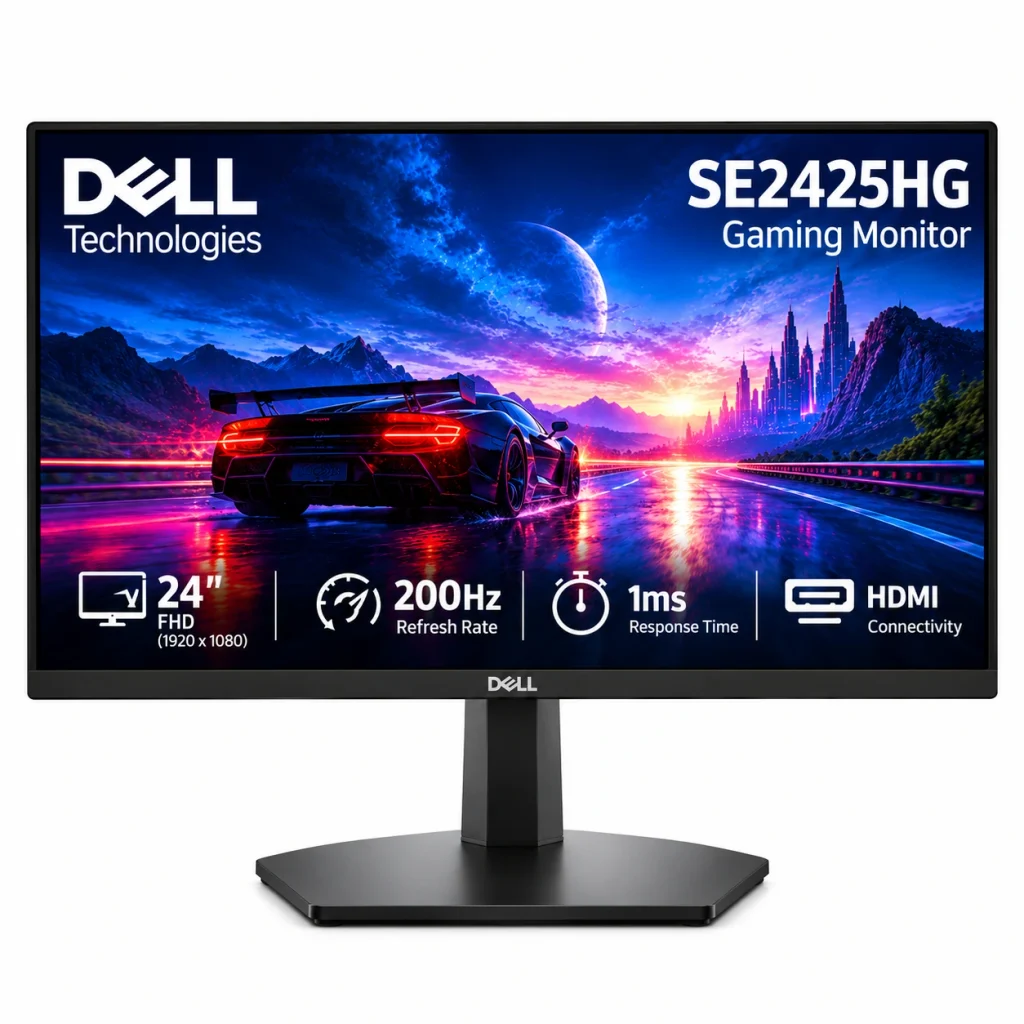
- Screen Size: 23.8-inch display, suitable for gaming, office work, and everyday entertainment.
- Resolution: Full HD (1920 × 1080 pixels) for clear images, videos, and text.
- Refresh Rate: Up to 200Hz for smooth motion and a more fluid gaming experience.
- Panel Type: Fast VA panel that delivers strong contrast and deep-looking blacks.
- Response Time: Up to 1ms GtG in Extreme mode for responsive gameplay.
- Brightness: 300 nits, suitable for most indoor environments.
Why it stands out: This monitor features a blazing-fast 200Hz refresh rate and a 1ms response time. It is also the rare budget monitor to include dual HDMI 2.1 ports. This makes it perfect if you want to connect a gaming PC and a PlayStation 5 at the same time without swapping cables. Dell also offers excellent on-site warranty support across India.
2. BenQ GW2490 / GW2490C – Best Overall for Office & Study
If you spend 8 to 10 hours a day looking at spreadsheets, writing code, or attending online meetings, eye strain is a major problem. BenQ is famous in India for its special Eye-Care technology. This makes the GW2490 the perfect monitor for your workstation.
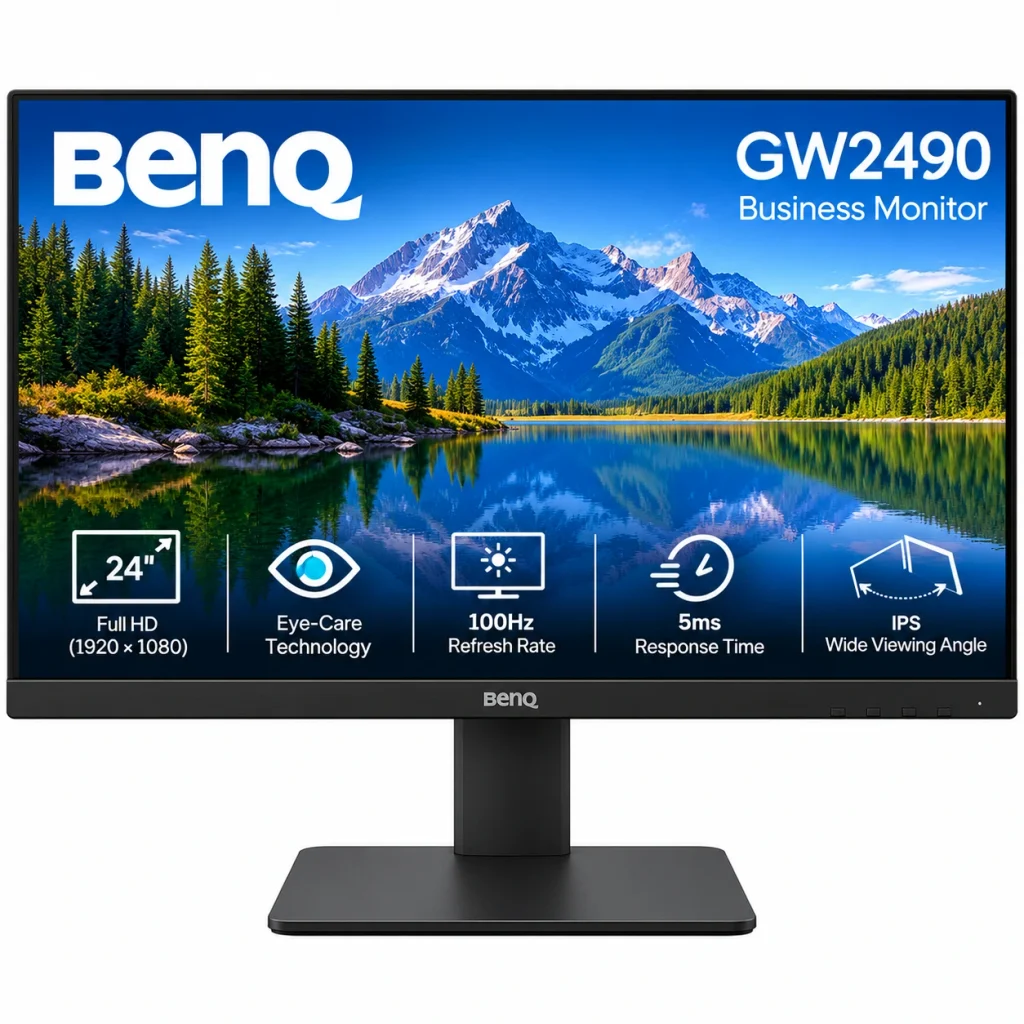
- Display Size: 23.8-inch screen, suitable for work, study, and entertainment.
- Resolution: Full HD (1920 × 1080 pixels) for sharp text and clear visuals.
- Refresh Rate: 100Hz for smoother scrolling and more fluid on-screen movement.
- Panel Type: IPS panel with wide viewing angles and consistent colours.
- Response Time: 5ms GtG for everyday computing and casual gaming.
- Brightness: 250 nits, suitable for most indoor settings.
Why it stands out: This monitor has a very clean design with almost no borders (bezel-less). The colors look excellent. The upgrade to a 100Hz refresh rate makes scrolling through long PDF documents and websites much smoother compared to older 60Hz monitors. The built-in eye protection helps reduce headaches after long hours of work.
3. MSI MAG 255F E20 – Best for PC Gaming
MSI has introduced a highly competitive monitor for Indian gamers. The MAG 255F E20 offers elite gaming speeds for a very low price.
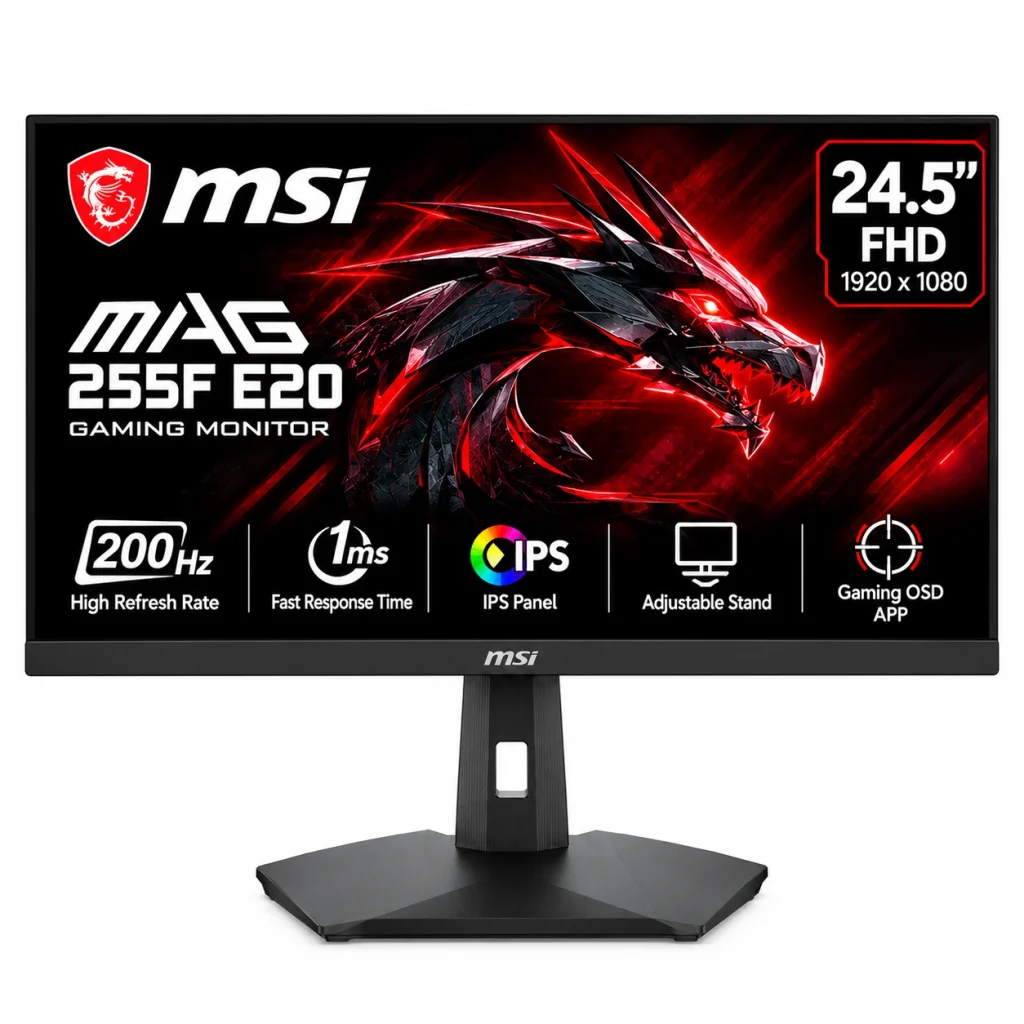
- Screen Size: 24.5-inch display, ideal for gaming and everyday computer use.
- Resolution: Full HD (1920 × 1080 pixels) for clear images, text, and videos.
- Refresh Rate: Up to 200Hz for smooth motion and fluid gameplay.
- Panel Type: Rapid IPS panel for vibrant colours and wide viewing angles.
- Response Time: 0.5ms GtG
- Connectivity: HDMI and DisplayPort connections for compatible PCs and gaming devices.
Why it stands out: It features a slightly larger 24.5-inch screen and true 100% sRGB color accuracy. With a 200Hz refresh rate and a lightning-fast 0.5ms response time, this monitor is built for competitive eSports games like Counter-Strike 2 and Valorant.
4. LG Ultragear 24G411A-B – Most Trusted Gaming Brand
LG’s Ultragear series is easily the most trusted budget gaming lineup in India. The 24G411A-B model gives gamers exactly what they need for fast action games.
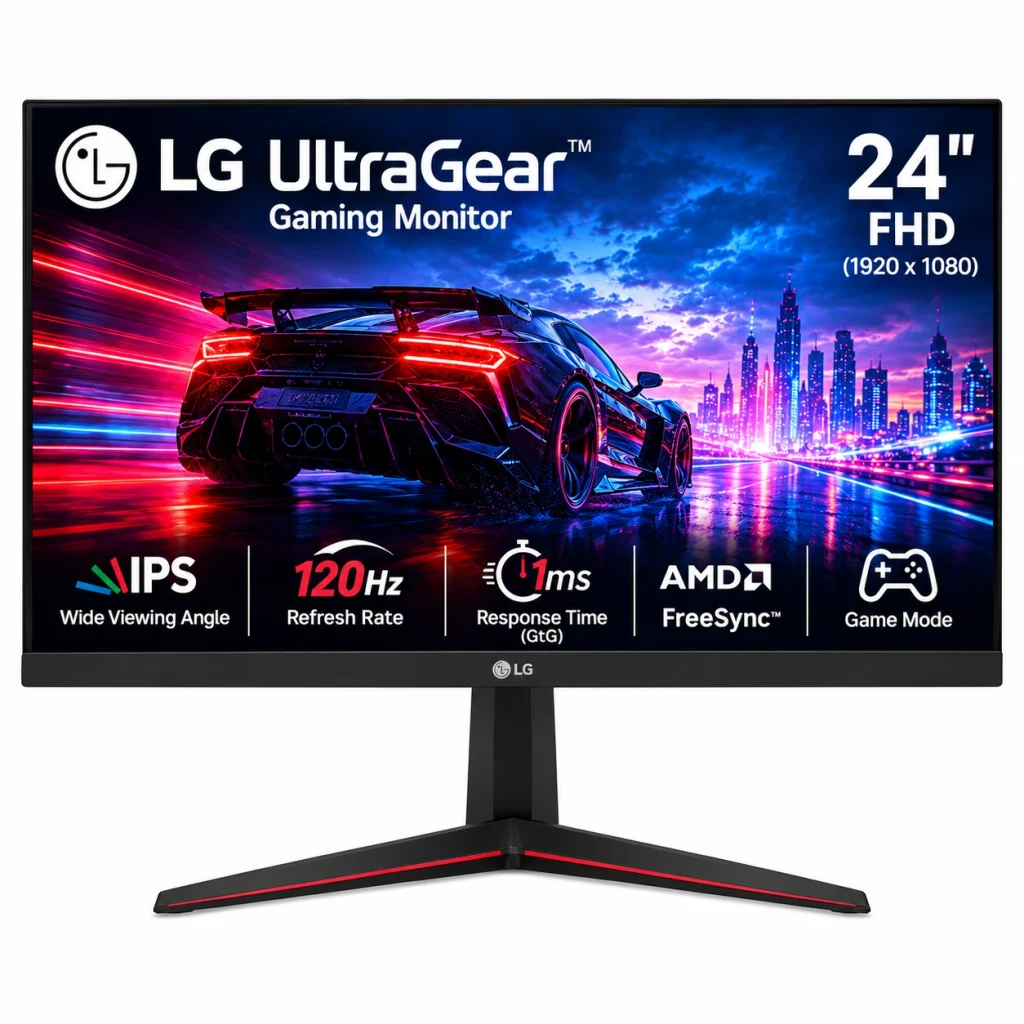
- Screen Size: 23.8-inch display, suitable for gaming, work, and everyday entertainment.
- Resolution: Full HD (1920 × 1080 pixels) for clear images and sharp text.
- Refresh Rate: Up to 120Hz for smoother gameplay and fluid on-screen movement.
- Panel Type: IPS panel for wide viewing angles and consistent colour reproduction.
- Response Time: 1ms MBR (Motion Blur Reduction) helps reduce motion blur in fast-moving scenes.
- Gaming Performance: Suitable for casual gaming, racing games, and fast-paced action titles.
Why it stands out: This monitor pairs a colorful IPS screen with a fast 1ms response time. Response time measures how quickly a screen pixel can shift from one color to another. A 1ms speed means you get bright, punchy colors without any blurry motion during fast gaming scenes. Also, LG has a very strong customer service network across tier-1 and tier-2 cities in India.
5. Samsung Essential S3 (LS24C330 / LS27C334) – Best Minimalist Monitor
Samsung’s Essential S3 series is extremely popular in India. The reason is simple: it looks highly professional. It removes the aggressive red and black “gamer” designs and replaces them with a sleek, simple look.
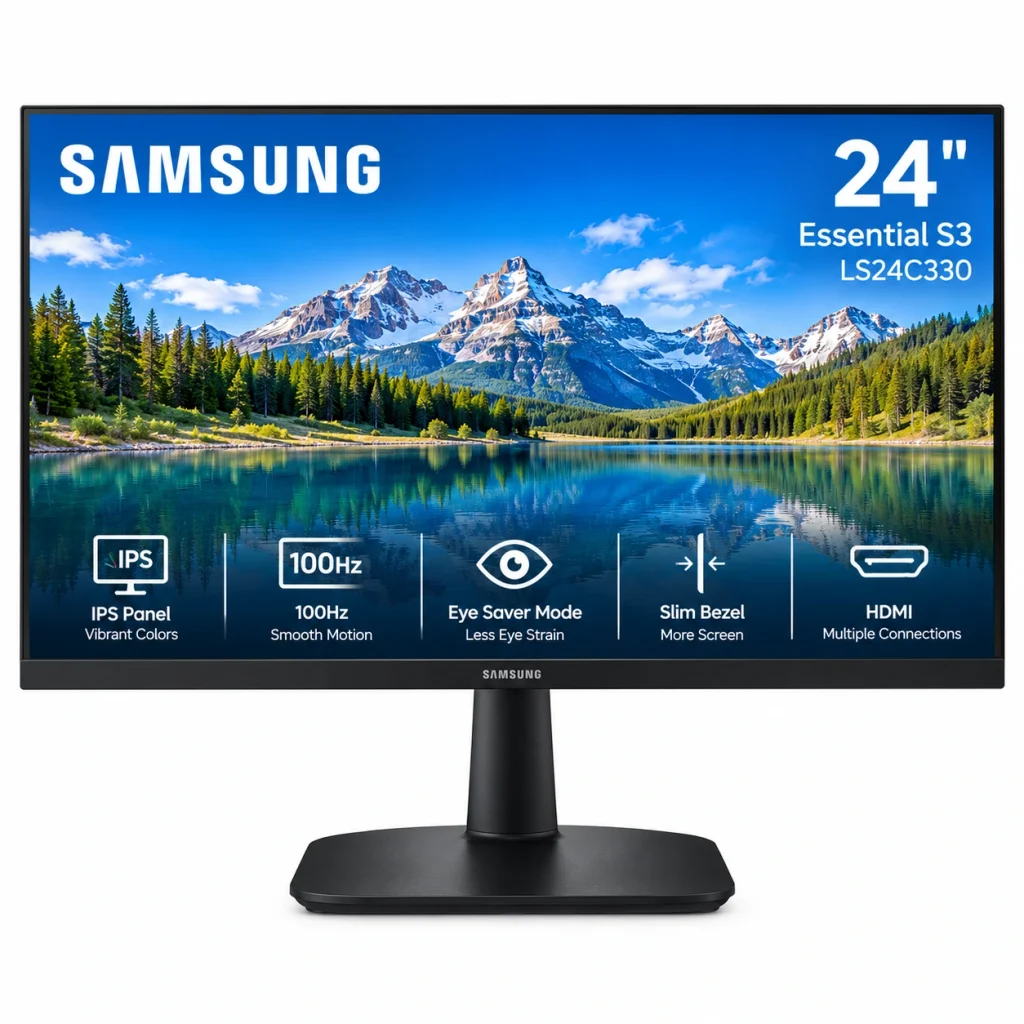
- Screen Size: 24-inch display, suitable for office work, studying, and home entertainment.
- Resolution: Full HD (1920 × 1080 pixels) for clear text, images, and videos.
- Refresh Rate: 75Hz for smoother scrolling and everyday screen movement.
- Panel Type: IPS panel delivers consistent colours and wide viewing angles.
- Response Time: 5ms (GtG) for regular computing and casual gaming.
- Colour Quality: Produces natural-looking colours for browsing, watching videos, and working with documents.
Why it stands out: Moving from a standard 60Hz screen to the Essential S3’s 100Hz screen makes a massive difference for daily use. Moving your mouse, opening folders, and scrolling feels much faster and causes less eye fatigue. Samsung includes a bright, color-accurate IPS screen that looks clear from any angle.
6. Acer EK240Y P6 – Best Value for Money
If you are on a very strict budget but still want a gaming monitor, this Acer model is the undisputed king of value in 2026.
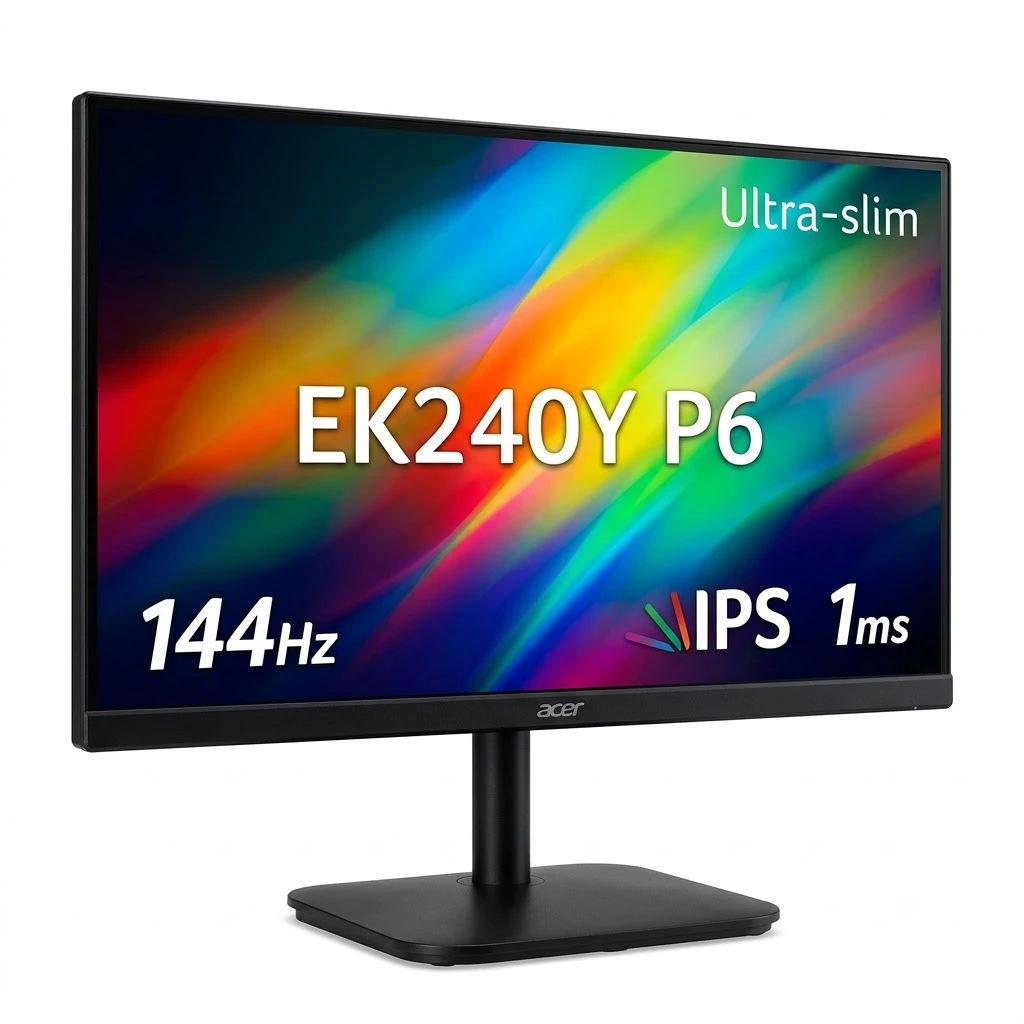
- Screen Size: 23.8-inch display, suitable for home, office, and everyday computing.
- Resolution: Full HD (1920 × 1080 pixels) for clear images, videos, and text.
- Refresh Rate: Up to 100Hz for smoother scrolling and more fluid on-screen movement.
- Panel Type: IPS panel provides wide viewing angles and consistent colour reproduction.
- Response Time: Fast response performance helps deliver clearer visuals during everyday use and casual gaming.
- Connectivity: HDMI and VGA ports, depending on the specific regional variant.
Why it stands out: Priced usually around ₹6,700 to ₹6,999, this is the cheapest genuine 144Hz IPS gaming monitor in India. It has fantastic contrast and covers 99% of the sRGB color space, making it punch well above its price tag.
7. Lenovo LOQ 24-10 – The Safe All-Rounder
Lenovo’s LOQ series sits right in the middle between a professional office monitor and a gaming monitor. It offers great performance without looking like a toy.
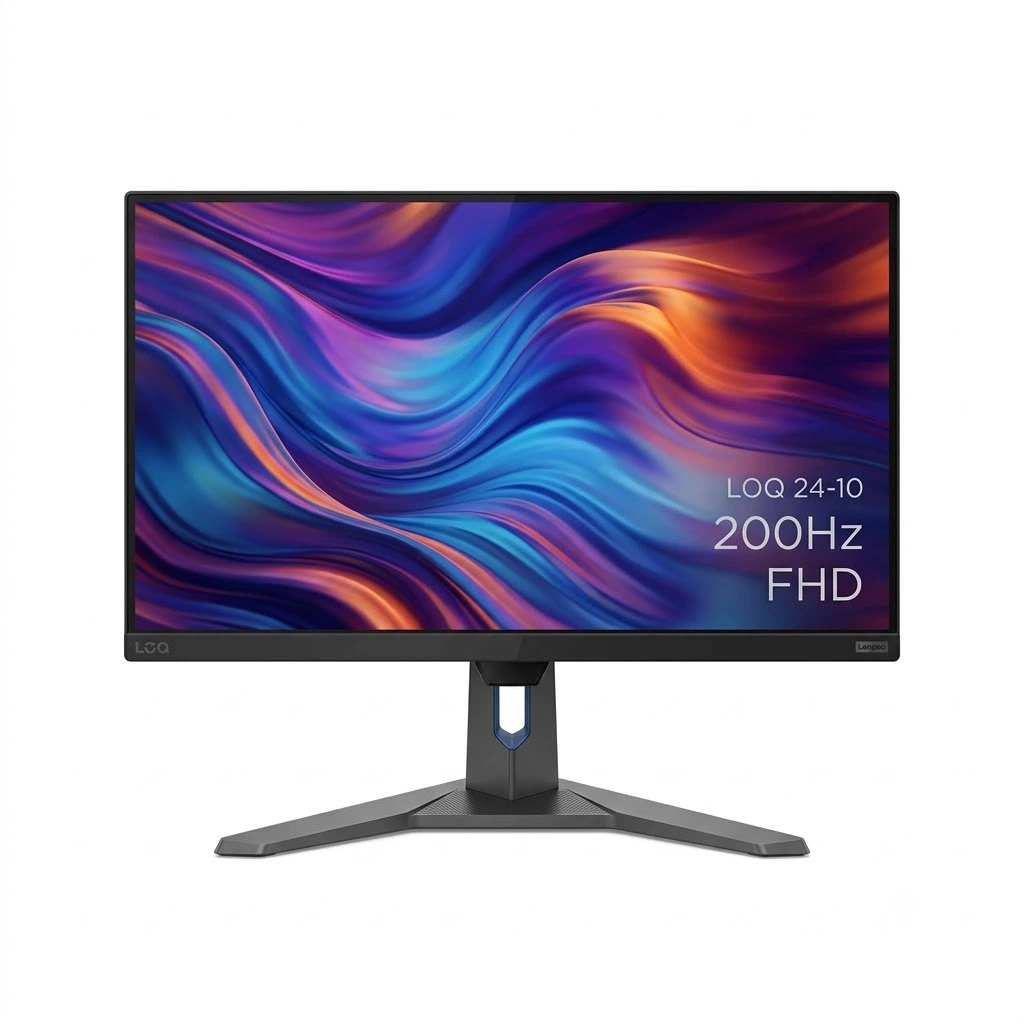
- Screen Size: 23.8-inch display, suitable for gaming and everyday computer use.
- Resolution: Full HD (1920 × 1080 pixels) for sharp text, detailed images, and clear videos.
- Refresh Rate: Up to 144Hz for smoother motion and a more responsive gaming experience.
- Panel Type: IPS panel offers wide viewing angles and consistent colours.
- Response Time: Fast response performance helps reduce motion blur during gaming.
- Gaming Performance: Suitable for FPS, racing, action, and multiplayer games.
Why it stands out: The Lenovo LOQ features fantastic build quality. The stand is strong and steady, so the screen will not wobble when you type. It also comes with multiple ways to connect your devices, including extra HDMI ports and a DisplayPort connection.
IPS vs. VA vs. TN Panel Technology
Choose the right monitor panel for your work, gaming, and entertainment.
| Panel Type | Best For | What You Need to Know |
|---|---|---|
| IPS In-Plane Switching | Office work, photo editing, gaming | Excellent colours and viewing angles. A great all-round choice for vibrant visuals and everyday use. |
| VA Vertical Alignment | Movies, entertainment, dark rooms | High contrast and deep blacks. Great for dark scenes, although some models show noticeable motion smearing. |
| TN Twisted Nematic | Competitive gaming on selected models | Fast response at a low cost. Colours and viewing angles are generally weaker than IPS, so compare the specifications before buying. |
1. Screen Size and Pixel Density
For ₹10,000, 1080p (Full HD) is the maximum resolution you can get. Resolution refers to the total number of pixels that form an image on a screen, determining how sharp and detailed it looks.
On a 24-inch monitor: A 1080p resolution looks sharp and clear. The pixels are packed tightly together.
On a 27-inch monitor: A 1080p resolution means the same number of pixels are stretched over a larger area. If you sit more than 3 feet away from your screen, a 27-inch monitor looks fine. But if you sit close to your desk, the text will look slightly blurry or soft.
2. Connectivity: HDMI vs. DisplayPort
The cables you use matter a lot, especially for gaming.
HDMI: Almost all monitors come with an HDMI port. HDMI 1.4 is fine for 100Hz office monitors. If you want 144Hz or higher, make sure the monitor supports HDMI 2.0. If you own a modern console like a PlayStation 5, look for HDMI 2.1.
DisplayPort (DP): If you are connecting the monitor to a desktop computer (PC), you should always use a DisplayPort cable. DisplayPort guarantees that you will get the maximum refresh rate and features like Nvidia G-Sync or AMD FreeSync.
3. Stands, Ergonomics, and VESA Mounts
Most monitors under ₹10,000 come with very basic stands that only tilt up and down. Sitting in a bad posture can cause neck and back pain.
To fix this, check if the monitor supports a VESA mount (usually a standard 100x100mm square hole pattern on the back). If it has VESA support, you can buy a third-party monitor arm from Amazon for about ₹1,200 to ₹2,000. A monitor arm allows you to adjust the height, angle, and distance of your screen perfectly.
4. Warranty and Indian After-Sales Service
Never buy an unknown, unbranded, imported monitor just because the specifications look amazing for the price.
Always stick to trusted brands like Dell, HP, Lenovo, Samsung, and LG. These companies usually offer strong 3-year warranties. More importantly, they provide on-site support across most Indian pin codes. This means a service technician will visit your home to repair the issue.
Other brands like MSI and Acer make great hardware and offer 3-year warranties. However, if they break, you might have to pack the monitor in a box and ship it to a service center, or travel to a major city to get it repaired.
Frequently Asked Questions (FAQ)
Which is the best monitor brand in India under ₹10,000?
Currently, Dell, Samsung, LG, BenQ, and Lenovo offer the most reliable monitors in this budget. Indian buyers highly favor Samsung, Dell, and LG because they have massive service networks across the country. Brands like Acer and MSI usually give you the highest refresh rates for your money, making them great for budget gamers.
Is 100Hz good enough for casual gaming?
Yes. A 100Hz monitor refreshes the picture on the screen 100 times every second. This is a very noticeable and smooth upgrade from older 60Hz screens. It gives you a fluid experience for daily scrolling and story-based games. However, if you play highly competitive eSports games to win, you should buy a 144Hz, 180Hz, or 200Hz model instead.
What is a VESA mount, and why do I need one?
A VESA mount is a standard set of four screw holes on the back of a monitor. Because most budget monitors have cheap stands that cannot adjust for height, a VESA mount lets you attach the screen to a separate, adjustable metal arm. This helps you sit straight and avoid neck pain.
Can I get a 4K monitor under ₹10,000 in India?
No. You might see unbranded, fake, or used monitors claiming to be 4K at this price. Do not buy them. They suffer from terrible colors, poor build quality, and light leaking from the edges of the screen. You will get a much better experience buying a high-quality Full HD (1080p) IPS monitor from a good brand.
Are IPS monitors better for office work?
Yes, they are. IPS panels provide accurate colors and wide 178-degree viewing angles. This means the screen will not look dark or washed out even if you are looking at it from the side. This makes IPS monitors the absolute best choice for reading emails, managing spreadsheets, and casual design work.
Can I use these monitors with a laptop?
Yes, absolutely. You can easily connect any of these monitors to your laptop using an HDMI cable. It is a great way to create a dual-screen setup for working from home or attending online classes.
Check Also :
Best Battery Backup Phones Under ₹20,000 in India (2026): Powerful Picks