Best Android TVs in India (2026): Top Models and Buying Guide
Quick Answer: Choosing the ideal Android TV comes down to how much you want to spend, how you plan to use it, and the space where you’ll place it. For most Indian households, a 43-inch 4K TV works well in smaller living spaces, while a 55-inch 4K model is a great choice for a larger room, offering a more immersive viewing experience.
Explain Which TV Size FitsAdd Key Buying Factors Brands like Xiaomi, Sony, and Vu are top choices right now. However, if you are buying a TV today, you should look for a “Google TV.” Google TV is simply the newest and best version of Android TV. It focuses on making it easy to find movies and shows.
Key Takeaways Before You Buy
- Android TV vs. Google TV: Google TV is not a completely different thing. It is just the newest, upgraded look built on top of the Android TV system. It is much easier to use.
- Focus on Speaker Performance: For a more enjoyable home entertainment experience, consider a TV with 30W–48W audio output for better sound clarity and stronger volume. Indian homes can be noisy. TVs equipped with 20W speakers may not provide sufficiently loud or clear audio when a fan is running or other noises are present in the room.
- Screen Quality: QLED screens give you much better contrast than standard LED TVs. This means the black colors look truly black, and the other colors look much brighter.
- Ports and Plugs: Make sure your new TV has at least 3 HDMI ports. You will need these to plug in your Tata Play or Airtel set-top box, a gaming console, and an extra speaker system all at the same time.
What is the Difference Between Smart TV and Android TV? (And Google TV)
When you walk into an electronics store or shop online, the words used to describe TVs can be very confusing. You will see terms like Smart TV, Android TV, and Google TV.
Here is the exact difference between these three terms in simple language:
1. Smart TV
- “Smart TV” is a general term for televisions that offer internet connectivity and built-in smart features. It simply means any television that can connect to your home Wi-Fi and has built-in apps like YouTube or Netflix.
- Every Android TV is a Smart TV.
- However, not every Smart TV is an Android TV.
- For example, Samsung uses its own software called Tizen. LG uses its own software called webOS. These are excellent Smart TVs, but they do not use Google’s Android system.
2. Android TV
- Android TV is a specific operating system. It was created by Google.
- It works a lot like your Android smartphone. You can browse the Google Play Store and add your preferred apps to the TV with just a few steps.
- You can install a wide range of apps on your TV, including streaming services, games, and entertainment platforms.
- It is very app-focused. When you turn on the TV, you have to click on the Hotstar app, the JioCinema app, or the Netflix app to see what is playing inside them.
3. Google TV
- Google TV is the newest software experience for televisions. It is not a completely new operating system. It is just a brand new, highly improved design built on top of the standard Android TV system.
- Instead of forcing you to open separate apps to find something to watch, Google TV does the hard work for you. It pulls movies and shows from all your different subscriptions (like Prime Video, Netflix, and Disney+) and puts them directly on your main home screen.
- For your next television, Google TV is a smart option thanks to its clean layout, easy controls, and updated software experience.
Best Android Smart TVs in India (Categorized)
Note: TVs prices change often in India due to festival sales on websites like Flipkart, Amazon, and Reliance Digital. The TVs listed below stand out for their features, performance, and value for money in each category.
1. Best for OTT & Movies: Xiaomi Smart TV X Series
(Available in 43 to 55 inches)
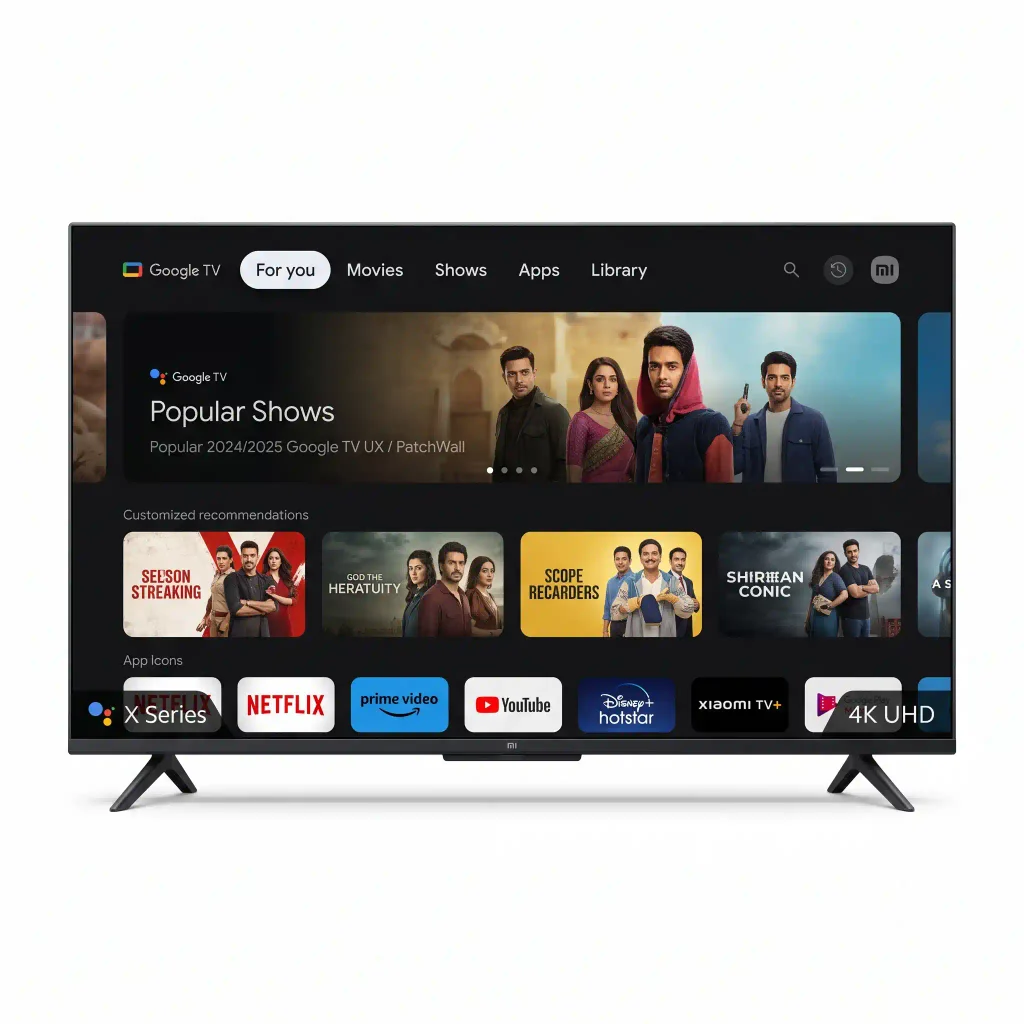
- Display: Large LED display available in multiple screen sizes, depending on the model.
- Resolution: 4K Ultra HD (3840 × 2160 pixels) on supported models for sharp, detailed visuals.
- Display Technology: LED panel for bright pictures and everyday entertainment.
- Operating System: Google TV on supported models for an easy-to-use smart TV experience.
- HDR Support: Supports HDR formats on selected models for improved contrast and picture details.
Xiaomi has a strong presence in India, offering feature-packed televisions with modern technology at budget-friendly prices. The X Series gives you a sharp 4K resolution screen and Dolby Vision support. It also comes with Google TVs, giving you access to a modern interface and a wide range of entertainment apps.
Why it is great for you: It works perfectly with popular Indian streaming platforms. You can easily find streaming platforms like ZEE5, SonyLIV, and Disney+ Hotstar through the TV’s home screen. You do not have to search hard to find local Indian shows and movies.
The best feature: It comes with a 30W Dolby Audio speaker setup. This means the voices of actors are clear. You will not have to buy a separate soundbar right away just to hear the dialogue over your room’s ceiling fan.
2. Best Budget QLED: Beston 43-inch QLED
(Great for high-quality color on a budget)
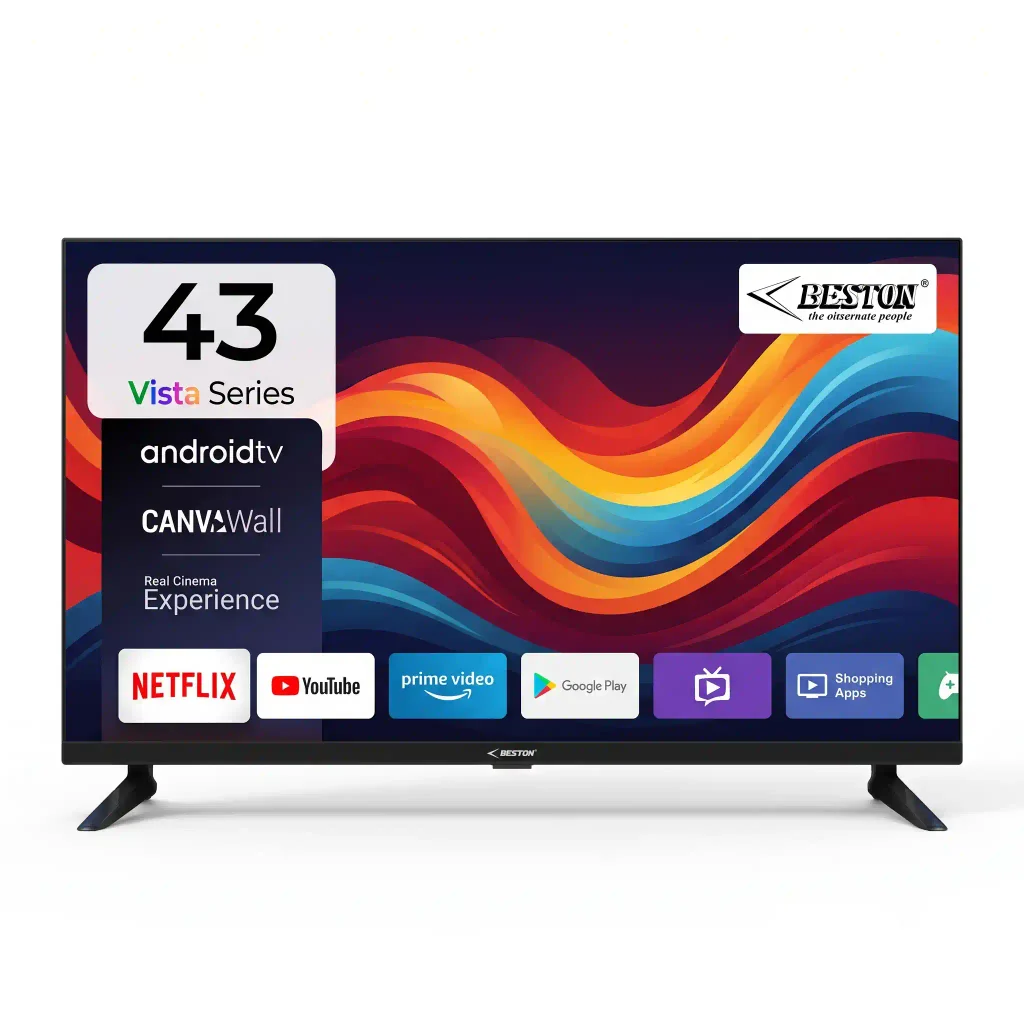
- Display: 43-inch (109 cm) LED screen for a comfortable home-viewing experience.
- Resolution: Full HD (1920 × 1080 pixels) for clear pictures and detailed visuals.
- Refresh Rate: 60 Hz for smooth everyday TV viewing.
- Operating System: Android TV for accessing supported entertainment apps.
- HDR Support: HDR10 support for improved contrast and picture details in compatible content.
QLED displays deliver rich colors and high brightness, making images look more vivid and eye-catching. In the past, you had to spend over ₹50,000 to get a QLED TV. Now, budget brands like VW and Beston are offering this technology in India for much less.
Why it is great for you: These TVs offer a massive 4000:1 contrast ratio. Contrast ratio is a technical term that measures the difference between the brightest white and the darkest black on a screen. With a 4000:1 ratio, the black spaces in movies actually look pitch black, instead of looking washed-out and grey.
The best feature: Many of these budget QLED models include very powerful 48W speaker systems. This is more than double the volume power of most standard TVs. It is loud, clear, and perfect for large, noisy living rooms.
(The absolute best picture quality)
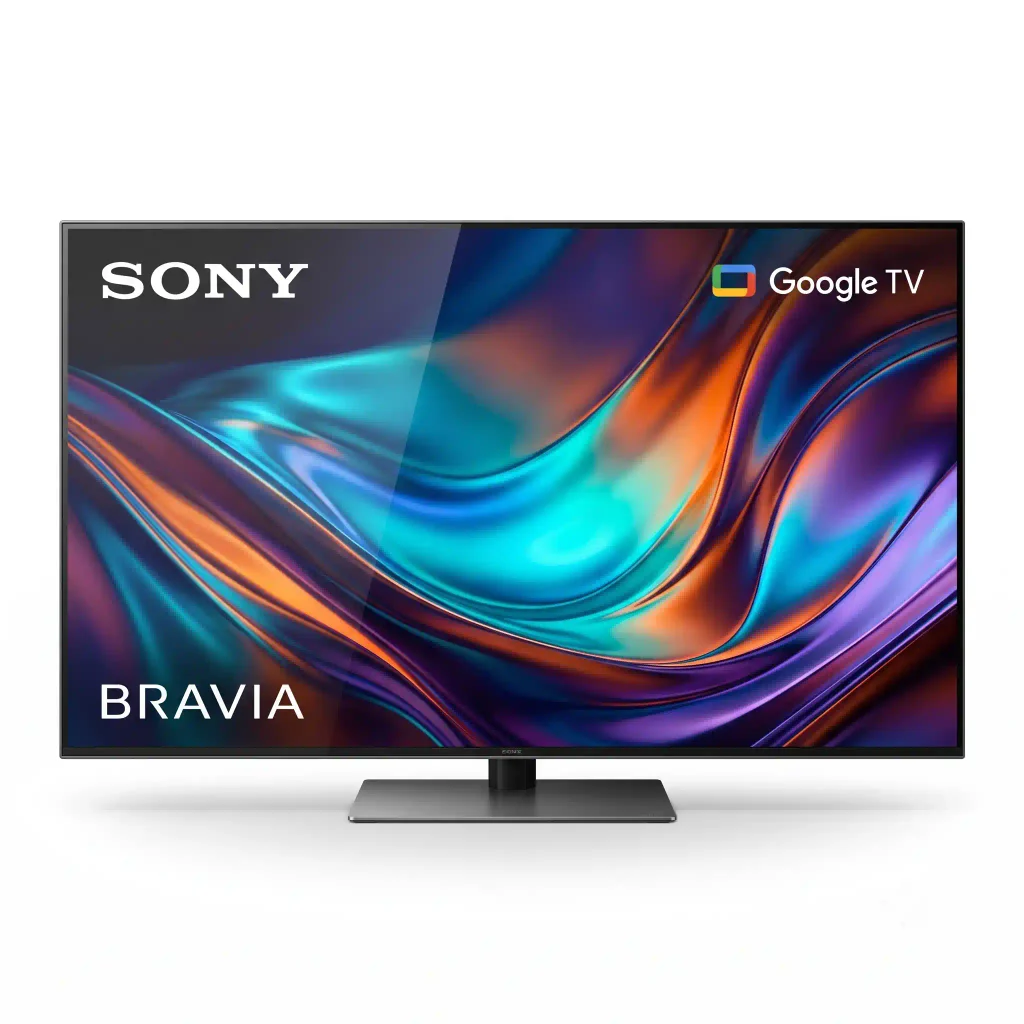
- Display: LED display available in different screen sizes, depending on the model.
- Resolution: Available in Full HD and 4K Ultra HD options across selected models.
- Picture Quality: Sony’s picture processing technology helps deliver clear images, natural colours and detailed visuals.
- HDR Support: Supports HDR formats on selected models for improved contrast and picture details.
- Operating System: Google TV provides an easy-to-use interface for browsing entertainment.
If you have a higher budget and want a TV that will last for many years, Sony is the top choice. Sony’s Android and Google TVs offer a premium experience that is hard to beat.
What Makes It a Good Choice: Sony equips this TV with its X1 image-processing chip, which helps improve picture quality and visual details. This chip is amazing at “upscaling.” Upscaling means taking low-quality video and making it look clear on a big 4K screen. If you watch daily soap operas or news on a standard Tata Play or Airtel DTH dish, those channels will look much sharper and cleaner on a Sony TVs than on cheaper brands.
The best feature: The Google Assistant voice search works perfectly on Sony TVs. The Google TV menu also moves very quickly without freezing or lagging.
4. Best for Small Bedrooms: Realme TechLife 80 cm (32 inch)
(Perfect for secondary rooms)
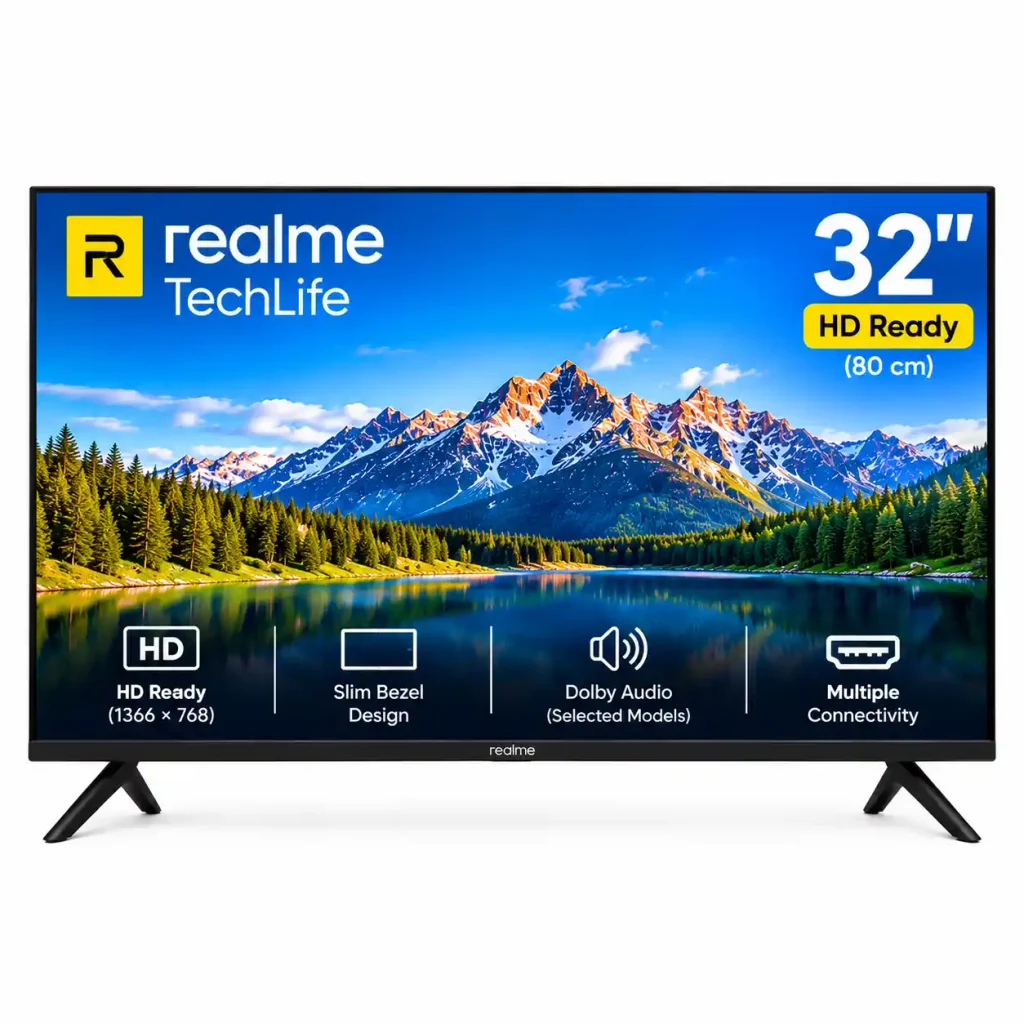
- Display: 32-inch (80 cm) screen, suitable for bedrooms and small living rooms.
- Resolution: HD Ready (1366 × 768 pixels) on applicable models for everyday TV viewing.
- Display Technology: LED panel designed for regular entertainment and TV watching.
- Operating System: Android TV or Google TV, depending on the exact model.
- Picture Quality: Provides clear visuals for TV channels, movies and online videos.
You do not need a massive, expensive 4K TV for a small bedroom or a guest room. A simple 32-inch HD Ready Android TV will do the job perfectly.
Why it is great for you: These TVs are very affordable. During major sales, you can often find these models selling for around ₹10,000–₹13,000. Despite their budget-friendly prices, these TVs still provide access to the Google Play Store, letting you install a variety of apps.You can download all your favorite apps and watch YouTube easily before going to sleep.
A Simple Guide to Picking the Right Android TV for Your Home
Buying a TV is a long-term investment. Keep these practical factors in mind before you spend your money:
1. Match the Screen Size to Your Room
- Do not buy TVs that is too big or too small for your viewing distance.
- Small Bedrooms: A 32-inch TV is the best choice.
- Standard Living Rooms: If your sofa is about 6 to 8 feet away from the wall, a 43-inch TV is the perfect size.
- Large Living Rooms: If you have a large hall and sit more than 8 feet away, look for 50-inch or 55-inch TVs.
2. Audio Power is Crucial in India
This is a very common mistake buyers make. Indian homes often have a lot of background noise. You might have a noisy ceiling fan, a desert cooler, traffic outside, or children playing.
A TV with only 20W (watts) speakers will sound thin, weak, and quiet. Before purchasing a TV, make sure to check its speaker power and overall audio quality. Look for models that offer 30W to 48W of sound. If you buy a TV that only has 20W speakers, you will likely struggle to hear movie dialogue. You will eventually have to spend extra money on an external soundbar just to hear the TV properly.
3. Check the Connection Ports (HDMI & USB)
Look at the back of the TV before you buy it. You need to know how many things you can plug in. You may also need to hook up your DTH set-top box to watch regular TV channels. Later, you might want to connect a PlayStation, an Xbox, or a soundbar.
Make sure the TV has at least 3 HDMI ports. If it only has 1 or 2 ports, you will have to constantly get up and unplug cables behind the TV every time you want to switch from watching normal TV to playing a video game.
4. Check the RAM and Storage (Hardware Matters)
Because Android TV is a heavy software system, it needs good computer parts inside the TV to run smoothly.
Memory (RAM): For better speed and smoother app performance, opt for a TV that comes with 2GB of RAM or more. Models with just 1GB or 1.5GB may handle basic tasks initially but could become slower over time, especially when running multiple apps.But after a few app updates, the TV will start to freeze. It will take a long time to respond when you press a button on the remote.
Internal Storage: Choose a TV with 16GB or more of built-in storage to install apps and keep enough space for future updates. This gives you enough space to download apps without the TV slowing down.
Benefits & Limitations of Android TVs
It is important to know both the good and the bad sides of buying an Android TV.
The Benefits
- Massive App Library: You get access to over 5,000 apps through the Google Play Store. You can download all Indian streaming apps, helpful tools like VLC Media Player, and even simple video games.
- Built-in Chromecast: This is a great feature. It allows you to easily send photos, YouTube videos, and music directly from your mobile phone to your big TV screen without using any cables. It works with both Android phones and Apple iPhones.
- Voice Control: Many Android TV remotes include a dedicated Google Assistant button, allowing you to search for content using voice commands. You can press the button and speak into the remote. You can search for movies or ask questions in both Hindi and English. This saves you from having to type out long movie names using the remote buttons.
The Limitations
- Hardware Dependent: As mentioned earlier, Android is a heavy operating system. Cheap budget TVs with weak processors will eventually become slow and sluggish over time.
- Internet Connection: You can watch DTH channels through your set-top box even when your TV is not connected to the internet. However, all the “smart” features, app downloads, and home screen movie recommendations require an active, continuous Wi-Fi connection.
Common Problems & Simple Troubleshooting
Even the best TVs can have small software issues. Here is how to fix the most common Android TV problems:
Problem 1: The TV menu is lagging and slow.
The Fix: This problem typically arises when your television’s internal memory becomes completely full. Go to the TV Settings. Find the “Apps” section. Clear the “cache” data for the apps you use the most, like YouTube or Hotstar. Also, uninstall any extra apps or games that you do not use anymore.
Problem 2: Apps freeze or keep crashing.
The Fix: Your TV software might be old. Go to Settings > Device Preferences > About > System Update. Click it to see if a new software update is available. Updating the TV usually fixes crashing apps.
Problem 3: The Wi-Fi keeps disconnecting.
The Fix: The Wi-Fi receivers built into modern TVs are sometimes weak. When your Wi-Fi router is located far from the TV, the connection may become weak or disconnect from time to time. To fix this, you can buy a cheap Wi-Fi extender for the TV room. For the absolute best, buffer-free 4K movie streaming, connect your TV directly to your router using a LAN (Ethernet) cable instead of using Wi-Fi.
Frequently Asked Questions (FAQ)
Can I install apps on a Smart TV that is not an Android TV?
Yes, you can, but your choices will be limited. Brands like Samsung (which uses Tizen) and LG (which uses webOS) have their own specific app stores. They support popular streaming platforms, including Netflix, Amazon Prime Video, and Disney+ Hotstar, so you can enjoy a wide range of movies and shows. However, they do not have the massive library of thousands of apps and games that you get on the Google Play Store with an Android TV.
Which is actually better: Google TV or Android TV?
Google TV is generally much better. This is simply because it is the newest version of the Android TV software. Standard Android TV forces you to open individual apps to search for content. Google TV is smarter. It organizes your favorite movies and shows from all your different subscriptions and puts them together on a clean, personalized home screen.It helps you discover your favorite shows and movies with less searching and fewer clicks.
Can I use an Android TV without an internet connection?
Yes, you can. If your internet goes down, the TV will still turn on. You can still watch standard television channels using your DTH set-top box. You can play games if you have a console plugged in via HDMI. You can also watch movies saved on a USB pen drive. However, without Wi-Fi, you will not be able to use streaming apps, download updates, or use the voice search feature on your remote.
How much RAM does an Android TV really need?
For a smooth, stress-free experience, you should look for an Android TV with a minimum of 2GB of RAM. If you buy a TV with 1GB or 1.5GB of RAM, it will struggle to keep up as apps get updated over time. A low-RAM TV will often freeze, and it will take a few annoying seconds for the TV to respond when you press the volume or menu buttons on your remote.
Why is speaker wattage so important when buying a TV in India?
Indian homes often have noticeable background noise from ceiling fans, desert coolers, street traffic, or neighboring sounds. TVs with 20W speakers may produce flat audio, making conversations harder to hear clearly without turning up the volume. Choosing a TV with at least 30W to 48W audio output ensures clear voices and punchy sound without requiring an immediate, extra expense on a separate soundbar.
Read also:
Top 10 Analog Watches Under 3000: The Ultimate Buyer’s Guide